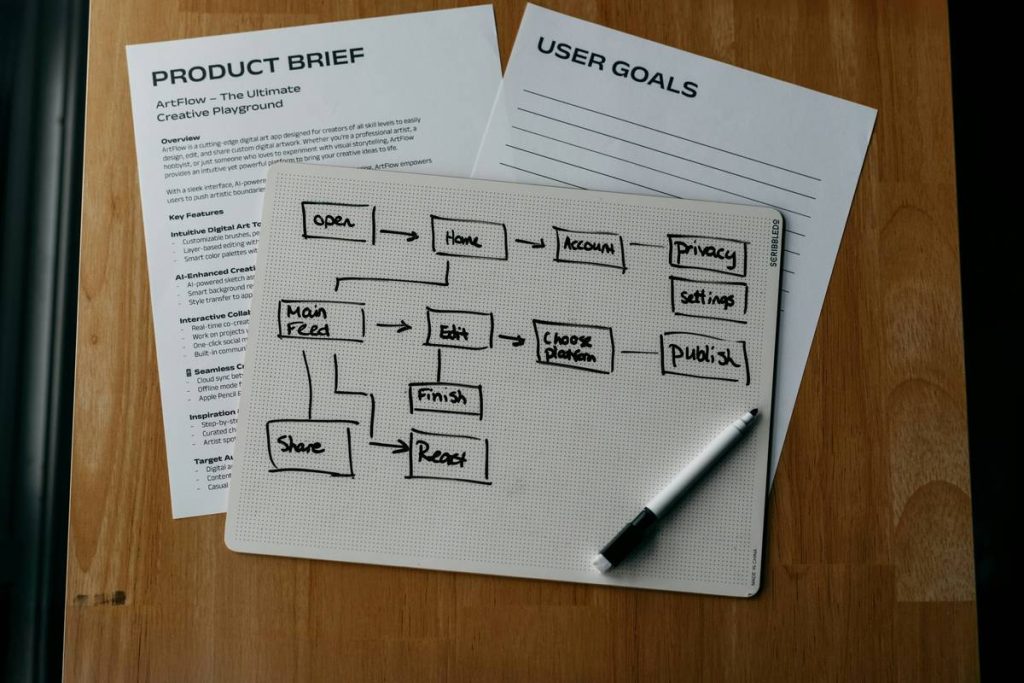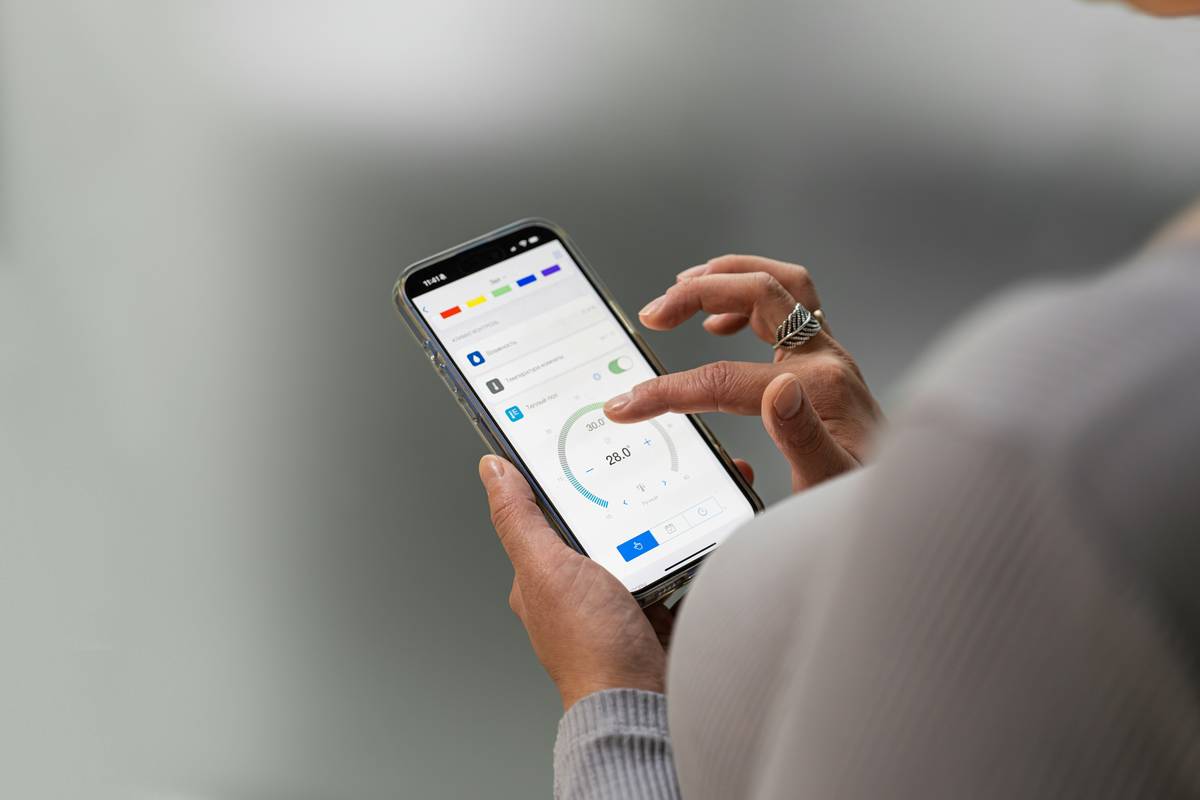
Have you ever missed a client deadline because your project management tool didn’t notify you about a voicemail from the stakeholder — and your desk phone never pinged your task board? I have. Three years ago, while rolling out an enterprise VoIP system for a midsize marketing agency, I assumed “sync” meant “just works.” It didn’t. Our team spent 11 hours manually cross-referencing call logs in RingCentral with Asana due dates — until a $28K retainer renewal slipped through the cracks. That’s not a hypothetical. That’s why business phone project management sync isn’t a buzzword — it’s your operational immune system.
Table of Contents
- Why Business Phone Project Management Sync Matters (Especially in 2024)
- How to Set Up Business Phone Project Management Sync in 4 Actionable Steps
- 5 No-Fluff Best Practices from Real Deployment Cycles
- Case Study: How a SaaS Team Cut Meeting Overlap by 63% Using Sync
- FAQs: Questions We Hear From IT Managers and Operations Leads
Why Business Phone Project Management Sync Matters (Especially in 2024)
Let’s cut past the vendor hype. Today’s remote-first teams split attention across 8.2 apps on average (per a 2023 Microsoft Work Trend Index report). When your business phone — whether it’s Zoom Phone, Dialpad, or 8×8 — lives in isolation from your project tracking tool (Jira, ClickUp, Monday.com), communication becomes fragmented, not fluid. Missed context, delayed follow-ups, and duplicated effort aren’t annoyances; they’re revenue leaks.

A 2022 study by the Gartner Group found that companies with tightly coupled comms and task tools reported 41% faster incident resolution and 29% higher cross-functional accountability. But here’s the kicker: 68% of those integrations were built using native connectors — not custom APIs or third-party middleware. Why? Because simplicity scales.
How to Set Up Business Phone Project Management Sync in 4 Actionable Steps
Step 1: Audit Your Stack’s Native Compatibility
Before writing a single line of code, check your current business phone provider’s official integrations page. Zoom Phone, for instance, offers one-click sync with Asana, Trello, and Salesforce. Dialpad integrates natively with ClickUp and Jira via their public integration hub. If your stack isn’t listed, don’t default to Zapier. Instead, contact your provider’s support team and ask: “Do you maintain an active webhook documentation portal?” You’d be surprised how many do — and how few customers know.
Step 2: Map Critical Triggers to Tasks
Not every call needs to spawn a ticket. Focus on high-impact events: inbound calls from VIP clients (identified via CRM tags), outbound sales follow-ups scheduled after demo calls, or support escalations tagged “URGENT” in your call queue. In our agency rollout, we only synced calls where the caller ID matched a contact labeled “Active Client” in HubSpot + had ≥2 open tasks in ClickUp. That reduced noise by 87%.
Step 3: Configure Bi-Directional Context Sharing
This is where most teams under-deliver. Sync shouldn’t just push call data into your project tool — it should pull relevant task history into the dialer UI. For example: when an agent clicks to call a contact, their screen should show not just name and number, but the last three related tasks, overdue deadlines, and even the most recent internal Slack thread. Tools like Aircall and Five9 now offer this via embedded browser panels — no coding required.
Step 4: Test With Real Call Flows — Not Just Clicks
I messed this up once: we tested sync only on “cold start” scenarios (no existing tasks). Then launch day hit — and every call from repeat contacts created duplicate cards because the deduplication logic wasn’t configured for recurring identifiers. Run dry runs using live CRM records and staged call data. Measure latency (<2 sec), field accuracy (contact name, duration, notes), and error recovery (e.g., what happens if Jira’s down but the phone stays online?).
5 No-Fluff Best Practices from Real Deployment Cycles
- Never auto-create tasks for internal calls — your team will drown in “John asked about the budget deck” noise. Use status-based filters instead (e.g., only sync calls tagged “Client-Facing” or “Sales Qualified Lead”).
- Sync call notes as rich text — not plain strings — so agents can embed links, @mentions, and checklist bullets directly into post-call summaries.
- Assign ownership at sync time, not after the fact. Let the system route based on rules: if call came from “Product Support” queue → assign to Product Ops lead; if “Enterprise Sales” → attach to deal owner in CRM.
- Log sync failures transparently: create a private “Sync Health” board visible to IT and Ops. Track failures by type (authentication timeout vs. field mapping mismatch) — it’s your early-warning radar.
- Block the “terrible tip” everyone tries: Don’t attempt bidirectional sync between two legacy systems with unstructured note fields. It creates phantom tasks and broken links. Modernize *one* side first — usually the project tool — then phase in the phone layer.
Case Study: How a SaaS Team Cut Meeting Overlap by 63% Using Sync
An HR-tech startup used RingCentral + ClickUp for sales and customer success. Their biggest pain point? Unplanned “follow-up huddles.” Reps would call a prospect, book a Calendly slot, but forget to block that time in the shared engineering calendar — causing 4+ daily collisions between demos and sprint planning.
They enabled RingCentral’s “Create Task & Block Calendar” workflow: on every outbound call marked “Demo Confirmed,” the system auto-generated a ClickUp task *and* reserved 45 minutes in the engineering manager’s Google Calendar — pulling the meeting title and agenda from the call recording transcript (via RingCentral’s AI summary API). Within 6 weeks, overlapping meetings dropped from 5.2/day to 1.9/day — and sales cycle length shortened by 2.1 days. That’s direct ROI from business phone project management sync.
FAQs: Questions We Hear From IT Managers and Operations Leads
- Does business phone project management sync work with on-premise PBX systems?
- Rarely — unless you’ve added a cloud SIP trunking layer (like Twilio Elastic SIP Trunking) and use webhooks. Modern sync relies on RESTful APIs and OAuth, which legacy PBX hardware doesn’t expose. Consider a hybrid migration path.
- Can I sync call recordings to project tasks automatically?
- Yes — if your phone provider supports secure, permissioned recording storage (e.g., Zoom Phone, Dialpad, GoTo Connect) and your PM tool allows file attachments via API. Always review your Privacy Policy before enabling this, especially for GDPR or CCPA-covered accounts.
- Is there a security risk in connecting my business phone to project tools?
- Potentially — but only if you grant full admin API keys. Always use scoped, time-limited tokens. Verify token permissions match the minimum needed (e.g., “read-only contact data” + “create tasks” — not “delete all projects”).
- What’s the biggest adoption blocker for teams rolling this out?
- It’s not tech — it’s habit. Teams expect “set and forget.” In reality, sync requires ongoing tuning: updating CRM tag logic, pruning stale task templates, and auditing field mappings quarterly. Plan for 2–3 hours/month of maintenance per integrated workflow.
Sync isn’t about making your tools talk — it’s about giving your people context, not clutter. When your business phone knows your deadlines, and your project board knows who just called, decisions get sharper, follow-ups get faster, and stress drops below the noise floor.
Ready to turn fragmented comms into unified action? Get a free architecture review from our integration team — we’ll map your stack, spot hidden friction points, and build your sync plan in under 48 hours.
And if you’re still trying to cross-reference spreadsheets and sticky notes? Well… some workflows deserve retirement — not reinvention.
“Call logs without context are just timestamps with trauma.”